ONLINE WORKFLOW

Bring hyper3d online into your 3D workflow

Hyper3d online gives creators a quick way to explore an object from a reference image, review the generated form, and decide whether it is ready for refinement or export.

01
reference image to start
03
core workflow stages
24/7
browser-based access
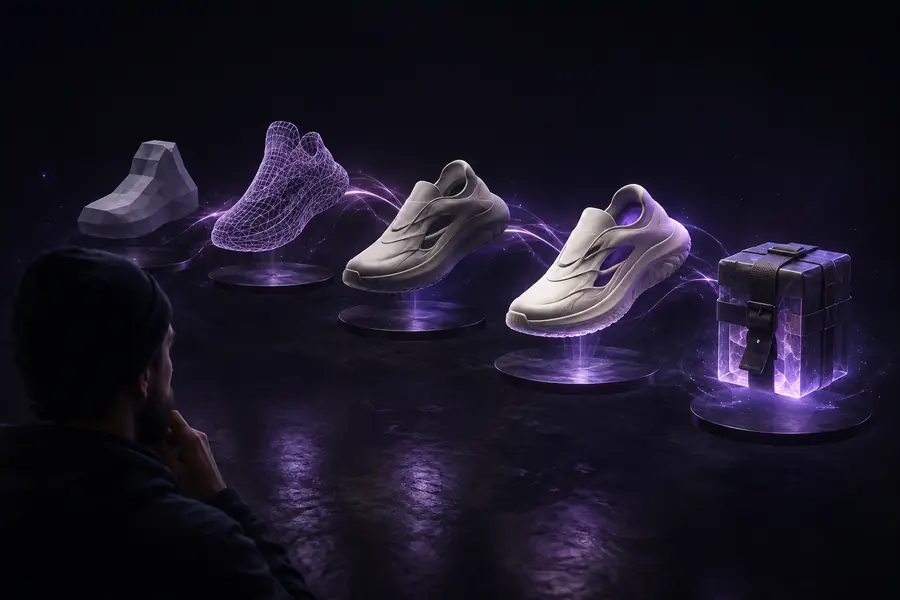
Abstract 3D model workflow shown in an online workspace

A faster path from idea to 3D asset

The online route is most useful when you need a credible first model quickly, without beginning every project from a blank scene.

Concept designers

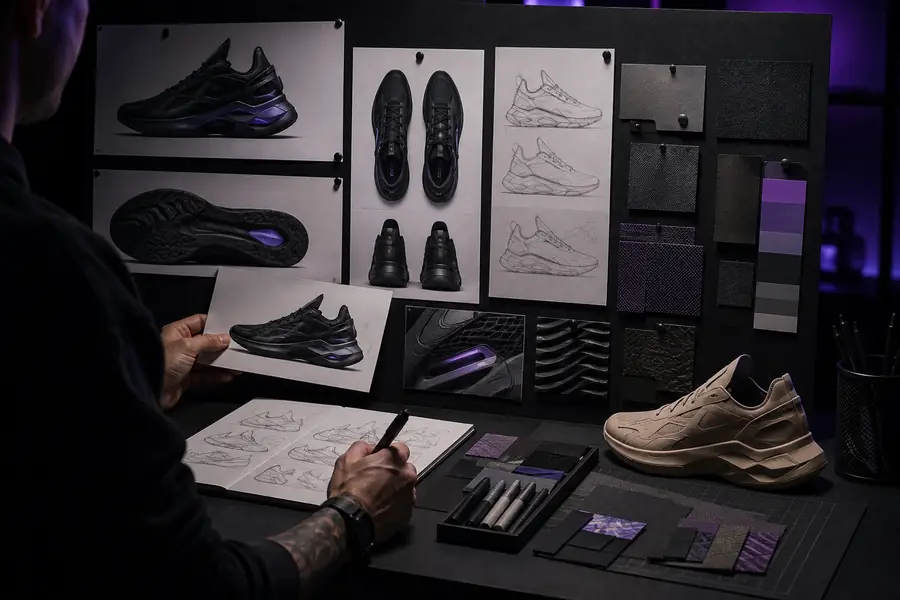
You have a product sketch, mood-board image, or rough reference and need a shape to discuss with a team.

Use the first model to test proportions, silhouette, and presentation direction before investing in detailed modeling.

hyper3d examples

Game development teams

You need a fast blockout for a prop, environment object, or collectible while gameplay and level design are still changing.

Create a visual placeholder that helps evaluate scale and composition, then replace or refine it as production advances.

hyper3d for game development

Blender artists

You want to move from a visual reference to an editable starting point before opening a familiar desktop modeling workflow.

Treat the generated asset as a base for cleanup, retopology, material work, rigging, and scene assembly in Blender.

hyper3d for blender

What the online route is built for

This comparison sets a realistic boundary between fast browser-based generation and the deeper control of a full 3D production environment.

Online starting point Full 3D workflow
1

Best use

Online starting point

Rapid exploration and visual blockouts

Full 3D workflow

Controlled modeling and final asset production

2

Input

Online starting point

One or more visual references

Full 3D workflow

References, measurements, sketches, and manual construction

3

Speed

Online starting point

Fast first-pass generation

Full 3D workflow

Slower start with more deliberate control

4

Geometry control

Online starting point

Limited during initial generation

Full 3D workflow

Direct vertex, edge, face, modifier, and sculpt control

5

Materials

Online starting point

Useful preview or starting materials

Full 3D workflow

Detailed authoring for physically based rendering

6

Topology

Online starting point

May need inspection and cleanup

Full 3D workflow

Designed for deformation, simulation, or optimization

7

Best output role

Online starting point

Concept, prototype, and editable starting point

Full 3D workflow

Validated asset for a defined engine or production pipeline

8

Skill requirement

Online starting point

Lower barrier for the first result

Full 3D workflow

Higher skill ceiling for refinement and delivery

Limits and edges to plan around

An online generator can shorten the first mile of 3D work, but it does not remove the decisions required for a dependable production asset.

It cannot infer every hidden surface

A single image leaves unseen sides, internal structure, and exact dimensions ambiguous. The result may be plausible rather than physically accurate.

WorkaroundProvide multiple useful views when available, then inspect and correct the model against the intended design.

It cannot guarantee production-ready topology

Generated geometry may contain uneven density, crowded details, or surfaces that are unsuitable for deformation and real-time rendering.

WorkaroundPlan time for retopology, mesh cleanup, UV work, and optimization before shipping the asset.

It cannot replace art direction

The first result reflects the reference, but it may miss a specific style, proportion, silhouette, or gameplay requirement.

WorkaroundUse the model as a visual starting point and make the final creative decisions in your normal toolset.

It cannot solve every export constraint

A file that looks correct in preview may still need changes for scale, naming, materials, rigs, animation, or a particular engine.

WorkaroundTest the asset early in its destination workflow and keep a cleanup checklist for each project.

From reference to workable starting point

The visual difference is less about creating a finished asset instantly and more about replacing a blank canvas with something you can evaluate.

REFERENCE

Reference image prepared for 3D generation
Generated 3D object ready for inspection and refinement
3D STARTING POINT

Use the first pass to validate the broad form, then refine details, topology, materials, and scale in the tool where the asset will live.

Why creators use an online 3D starting point

These signals describe the shape of the workflow rather than promising a fixed output for every image or project.

can be enough to begin a visual exploration
1 image
reference, review, and refinement
3 stages
when a generated base gives the project momentum
0 blank scenes
still needed for quality, style, and production decisions
100% human direction

How the workflow moves from image to asset

Keep the process simple: prepare a useful reference, assess the first result, and continue refinement only when the model supports the goal.

Prepare the reference

Choose a clear image with a readable subject, useful contrast, and as little visual clutter as possible. Decide what the object must communicate before generating.

Generate and inspect

Review the silhouette, major forms, visible surfaces, and unexpected artifacts. Compare the result with the reference instead of judging detail alone.

Refine for the destination

Move the model into your preferred 3D tool for topology cleanup, materials, scale checks, UVs, rigging, or engine optimization as the project requires.