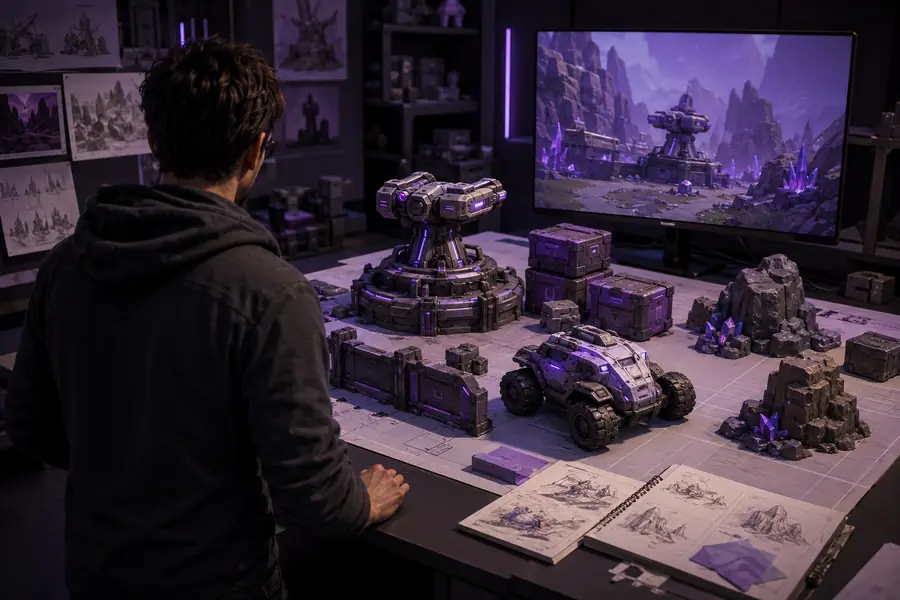
Game art workflow

Build Faster Worlds with hyper3d for game development

Hyper3D for game development helps teams turn visual references into a workable starting point for props, environment pieces, and blockout assets without replacing their existing pipeline.

01
reference image to asset pass
03
core workflow checkpoints
1
clear engine handoff goal
Hyper3D workflow for creating a game development asset from a visual reference

Who it helps

The audience's existing pipeline

Hyper3D is most useful when it enters an established process as a fast concept-to-mesh step, not as a replacement for art direction, retopology, or engine integration.

Indie environment artist

You need several believable props for a prototype before committing time to polished modeling.

Generate a visual starting point, then refine silhouette, topology, materials, and collisions in your normal tools. See the broader workflow in hyper3d examples.

hyper3d examples

Technical artist

A team wants to test asset scale and composition in-engine while the final art is still being developed.

Use Hyper3D for blockouts and variation studies, then standardize the result before import. The hyper3d for blender workflow can help with the cleanup stage.

hyper3d for blender

Game designer

You have a clear object reference but no modeling bandwidth for a quick gameplay experiment.

Create a rough asset to validate interaction, camera framing, and level readability before requesting production art. The how to use hyper3d guide covers a repeatable first pass.

how to use hyper3d

Small studio producer

A short sprint needs a consistent set of visual assets for a pitch, vertical slice, or internal review.

Reduce the blank-page delay and give artists concrete geometry to evaluate, while keeping final approval and polish inside the studio pipeline. Hyper3D supports game development planning without dictating the final style.

hyper3d image to 3d

Start clean

Where we slot in

A strong result depends less on a complicated setup than on a focused reference, a defined use case, and a cleanup plan for the destination engine.

Required

One clear reference image with the main subject visible

Use a centered view with limited occlusion and a readable silhouette.

Required

A defined asset role in the game development pipeline

Decide whether the output is for blockout, prototype play, pitch visuals, or production refinement.

Required

A target scale and orientation for the destination scene

Record approximate real-world dimensions before export or engine import.

Required

A cleanup pass for topology, UVs, materials, and collisions

Treat generated geometry as an editable starting point rather than a finished game asset.

Optional

A style guide or visual benchmark

Optional, but useful when several generated assets must feel like one game world.

Optional

A test scene in the target engine

Optional for early ideation; recommended before approving an asset for gameplay.

Practical payoff

Before/after

The biggest gain is usually earlier feedback. Hyper3D moves a visual idea into a reviewable form so game development decisions can happen before the full modeling cycle.

to establish a concrete visual starting point
1 image
silhouette, scale, and engine-readiness reviews
3 checks
typical target for a focused first-pass review
15 min
about final topology or production polish
0 assumptions

The handoff

Deliverable spec

Define the output by how it will be used next. A useful Hyper3D deliverable has a clear review purpose, known limitations, and an owner for the finishing work.

Prepare the visual brief

Choose one subject, remove distracting background detail where possible, and state whether the goal is a prop, character blockout, environment piece, or concept asset.

Generate and inspect the first pass

Check the silhouette, proportions, major openings, and recognizable features before spending time on materials or engine setup.

Refine for the game development target

Adjust scale and orientation, repair geometry, create suitable UVs and materials, add collisions or LODs where needed, then test the asset in context.

Scenario FAQ

Scenario FAQ

Use these answers to set the right expectation before adding Hyper3D to a game development sprint.

Can Hyper3D deliver a final asset with no cleanup?

Usually not. Generated geometry may need topology repair, UV work, material adjustment, scale checks, and collision setup before production use.

WorkaroundReserve a short cleanup pass and define acceptance checks before the asset enters the main branch.

Is Hyper3D suitable for every game development style?

It is more predictable for clear, self-contained objects than for highly stylized characters, complex mechanical assemblies, or assets with hidden structural requirements.

WorkaroundUse it first for props, blockouts, and ideation, then compare the result against your studio's visual benchmarks.

Can one image communicate every side of an object?

No. A single view leaves unseen surfaces open to interpretation, so the generated result may differ from the intended back, underside, or internal structure.

WorkaroundProvide additional references when available, or treat the output as a front-facing concept and rebuild critical areas manually.

Will the result be ready for an engine immediately?

Not automatically. Engine readiness depends on scale, transforms, materials, texture format, collision behavior, performance targets, and the project's import settings.

WorkaroundValidate the asset in a small test scene before using it in gameplay or a shipping build.

Sprint planning

Use this simple estimate to frame the value of a first-pass asset review. It measures planning time, not a guaranteed production result.

Reference passes
passes
Estimated review minutes
minutes
Potential blank-page hours avoided
hours

Choose the route

Hyper3D is a strong fit when speed to visual feedback matters. Choose a different route when the asset's hidden structure, exact topology, or final performance budget is the main constraint.

1

Choose Hyper3D first when

You have a clear reference and need a fast prop, blockout, or visual variation for review.

It shortens the path from an idea to something the team can place in a scene and discuss.

2

Choose manual modeling first when

The asset requires exact deformation, engineered parts, strict topology, or carefully controlled UV layouts.

Direct authorship gives better control over structure and downstream technical requirements.

3

Use both when

You need fast exploration but still expect a polished, optimized asset for the final build.

Hyper3D can accelerate ideation while an artist owns the retopology, materials, optimization, and final approval.