Explore hyper3d examples by 3D workflow

hyper3d examples show how one reference can become a usable starting point for games, product visualization, Blender scenes, and early concept work. Compare the expected output before you begin.

4
common production scenarios
1
reference image to begin
3D
assets ready for refinement
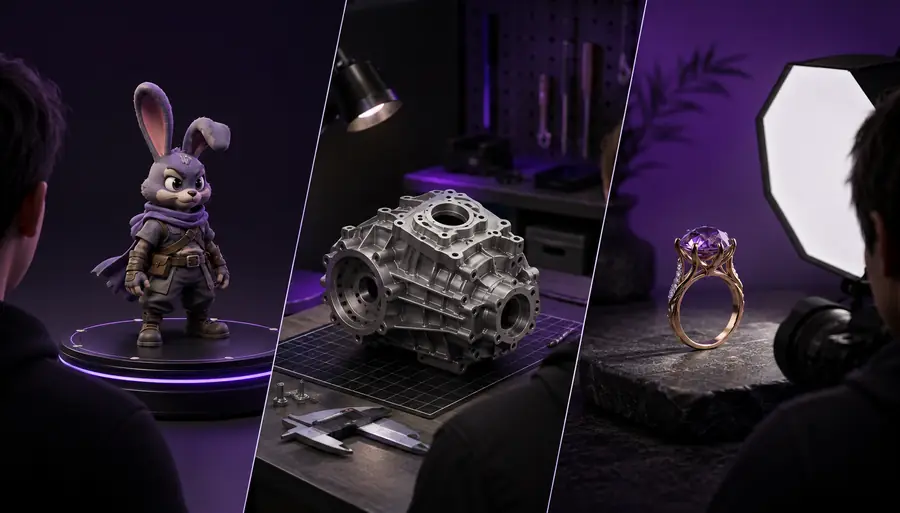
A selection of AI-generated 3D objects for different production scenarios

Each item

Choose the scenario that matches the asset's next job. Each example below names the visual goal, the practical constraint, and the handoff that matters.

Game artist

Create a stylized prop from one front or three-quarter reference, keeping the silhouette readable at gameplay distance.

The result becomes a fast blockout for proportions, materials, and later retopology. The game-focused workflow explains how to judge the asset beyond a turntable render.

hyper3d for game development

Product designer

Generate a recognizable object for an early presentation, packaging study, or product scene before detailed CAD work begins.

The model communicates form and visual direction quickly, while the image-to-3D workflow helps separate reference accuracy from presentation polish.

hyper3d image to 3d

Blender artist

Use a generated mesh as a starting asset for camera blocking, sculpt exploration, material tests, or environment composition.

The main benefit is reduced setup time rather than a finished asset. The Blender workflow gives the handoff a practical place in an existing scene.

hyper3d for blender

Concept artist

Test several forms for a creature, vehicle, prop, or environment element without modeling every variation manually.

Hyper3D examples make visual exploration more concrete: promising shapes can be selected, edited, and combined instead of discarded as flat sketches.

how to use hyper3d

Quality bar

The before-and-after difference is not simply more polygons. A useful model preserves the identity of the reference, keeps major surfaces coherent, and remains workable in the next tool.

Reference input

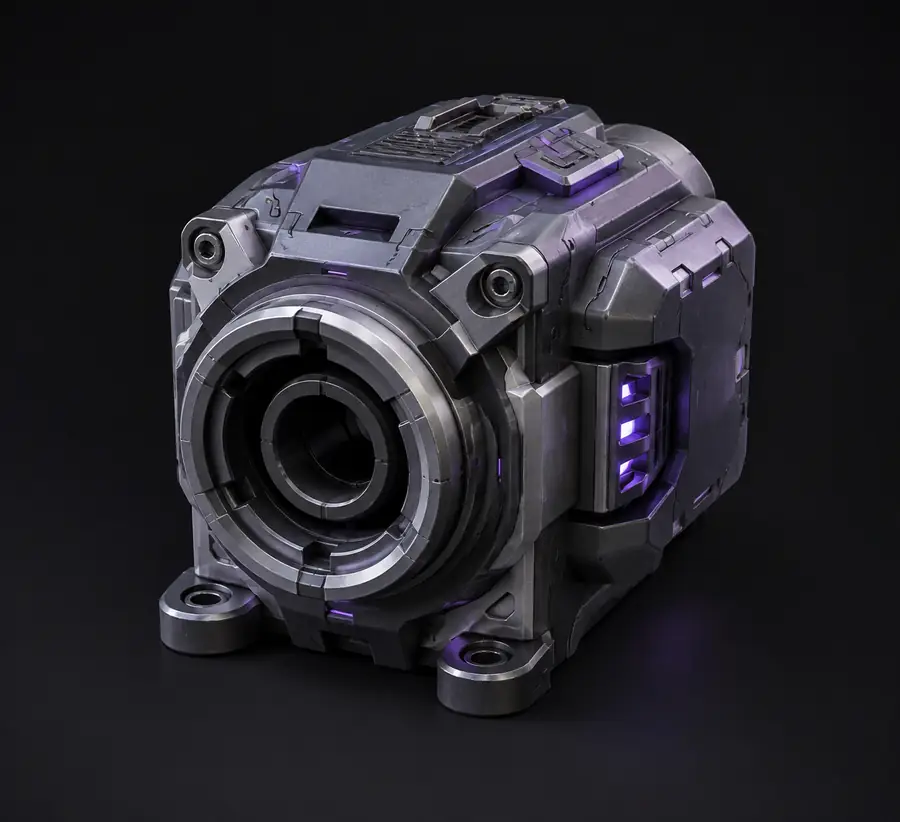
Reference image of a single object used for 3D generation
Refined 3D model of the referenced object shown from an angled view
3D starting asset

Before generation, check silhouette, camera angle, visible openings, repeated details, and material boundaries. After generation, inspect thin parts, hidden surfaces, intersections, and areas where texture may be carrying shape information.

Common rework

Use this planning estimate to decide whether generation is the right first move. Larger batches save manual setup time, but they still need a review pass before they enter a real scene.

Estimated output size
MB
Review time
minutes
Manual setup time saved
minutes

Scenario FAQ

The best examples are honest about where generated geometry helps and where a specialist still needs to intervene.

1

Can you give me some examples of 3D modeling?

Yes. Common examples include game props, product mockups, Blender blockouts, characters, vehicles, architectural objects, and concept variations. Hyper3D is most useful when the first workable form matters more than perfect topology on the first pass.

These scenarios share a need for fast visual iteration from limited reference material, but each has a different quality bar for detail, scale, and cleanup.

2

When should an example be treated as a starting asset rather than a final model?

Treat it as a starting asset whenever the project needs animation-ready topology, exact manufacturing dimensions, watertight engineering geometry, or tightly controlled UVs. Use the generated form for direction, then refine it in the appropriate production tool.

A clear handoff prevents rework: generation accelerates exploration, while specialist modeling decisions protect the requirements that previews cannot prove.

Across these use cases, the recurring advantage is faster visual feedback. The exact result depends on reference clarity, object complexity, and how much refinement the final destination requires.

Reference needed to begin a focused generation pass
1 image
Game, product, Blender, and concept scenarios covered
4 workflows
Illustrative manual setup time saved per reviewed asset
22 min
Focused quality pass recommended before handoff
1 review